Are workers on site — or only on the timesheet?
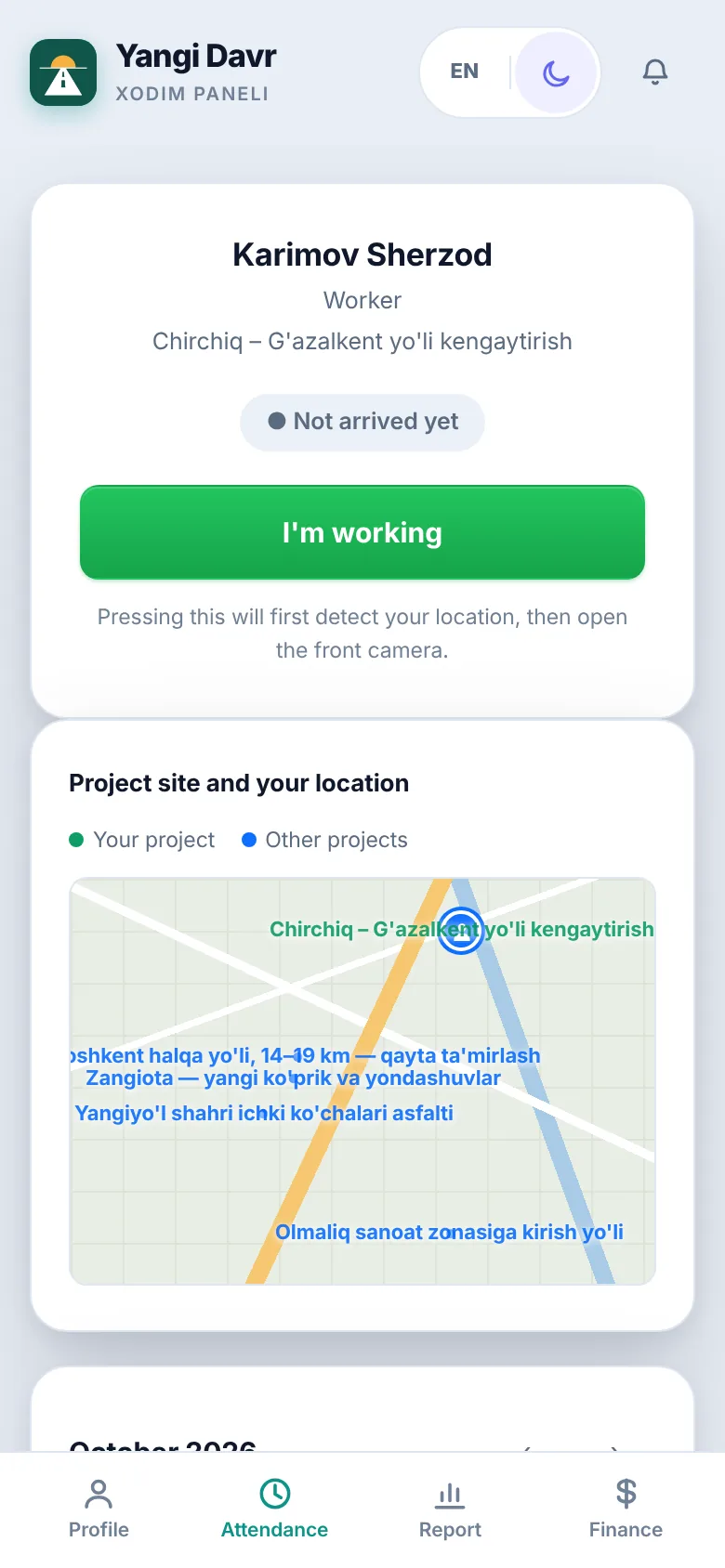
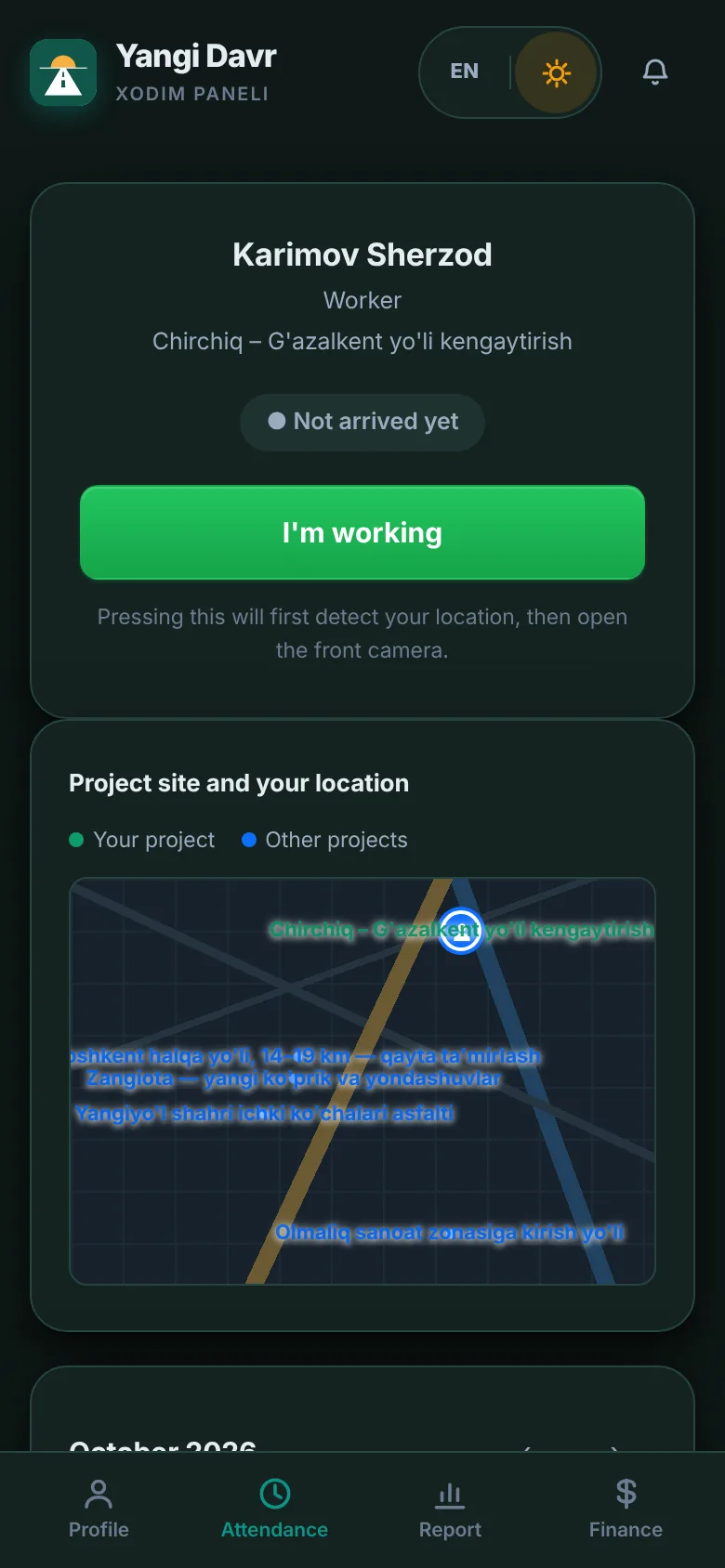
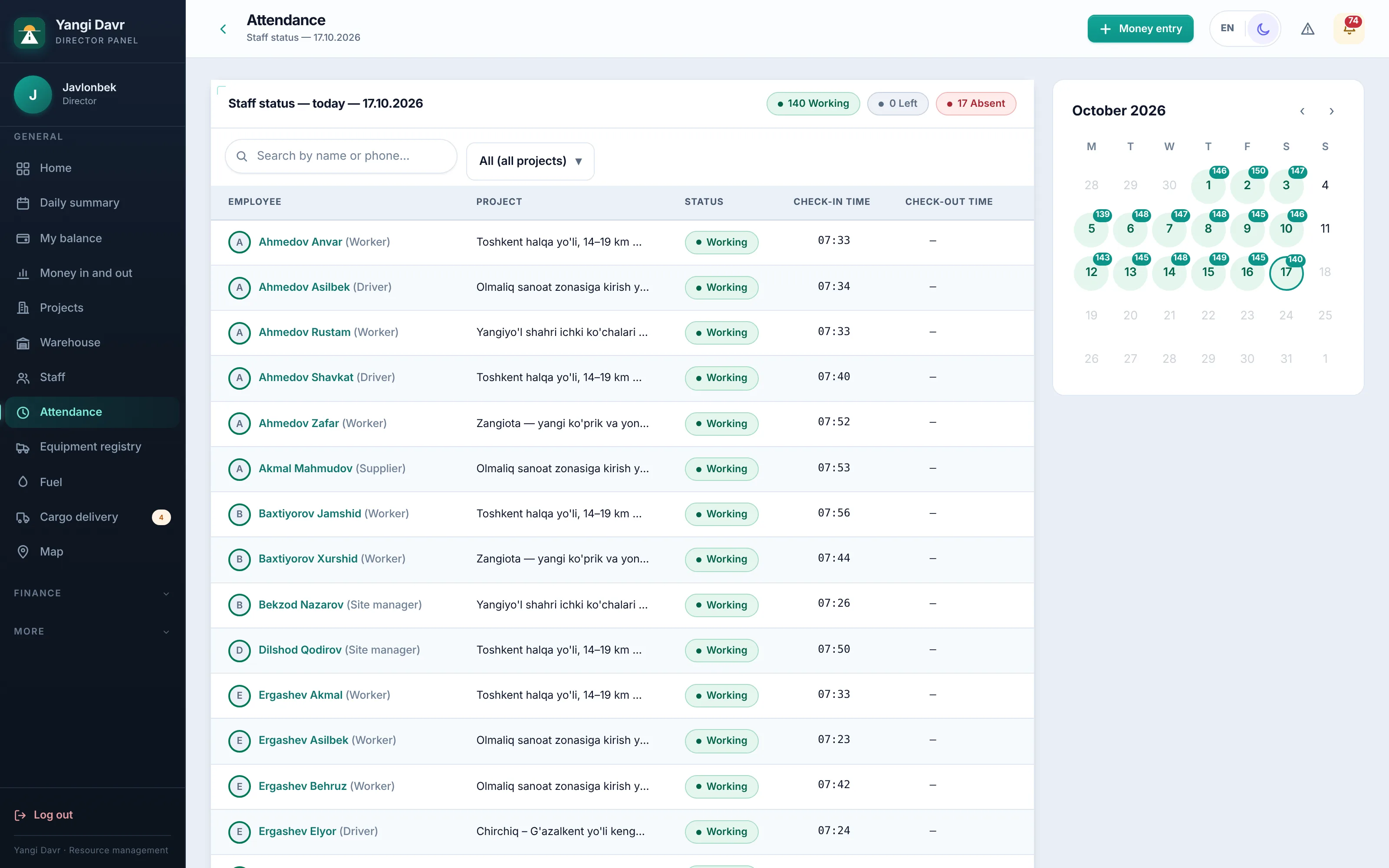
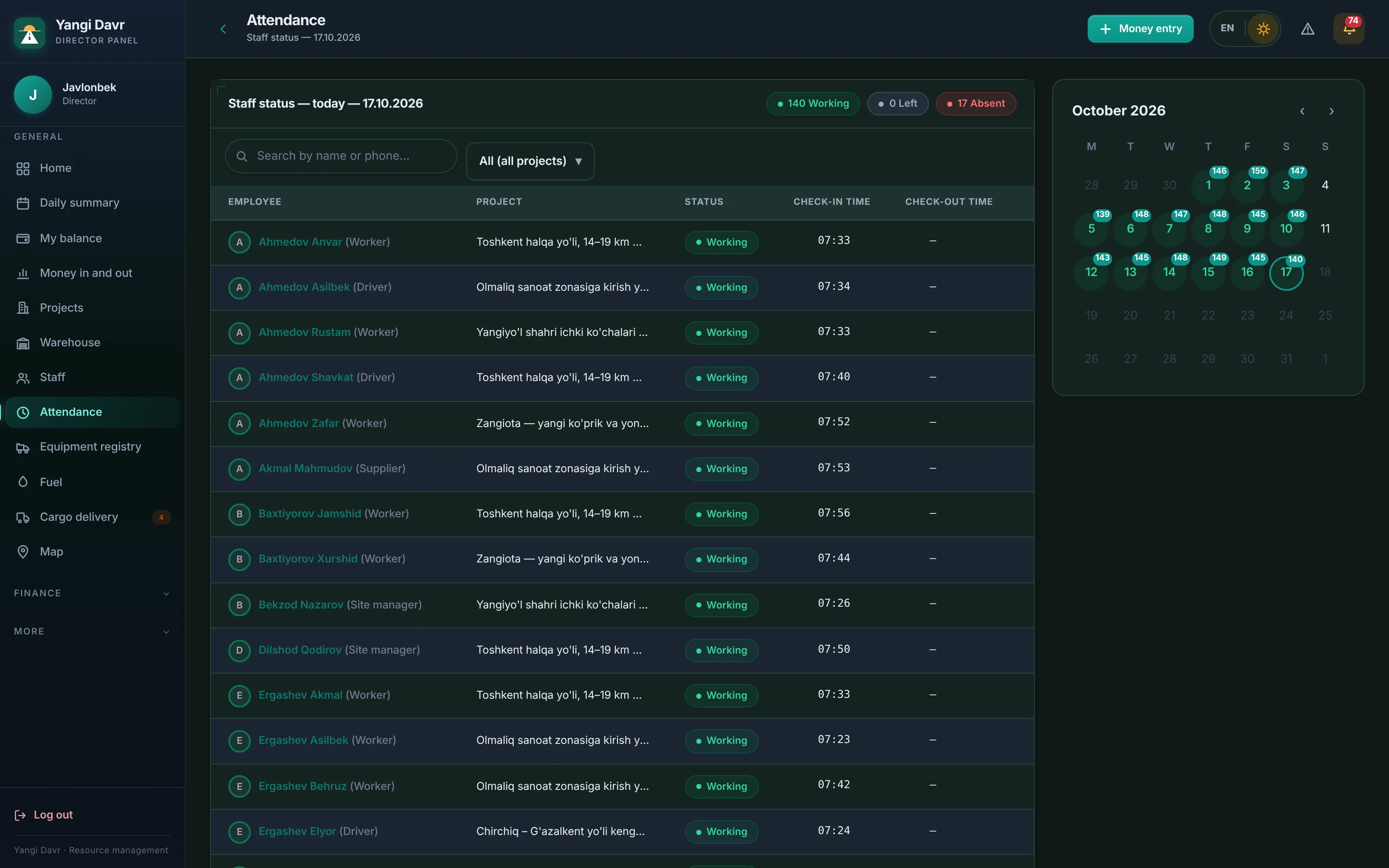
Check-in with GPS and a selfie. The phone won't allow “I'm here” outside the site zone, and leaving the zone closes the working time automatically.
For construction and road-building companies
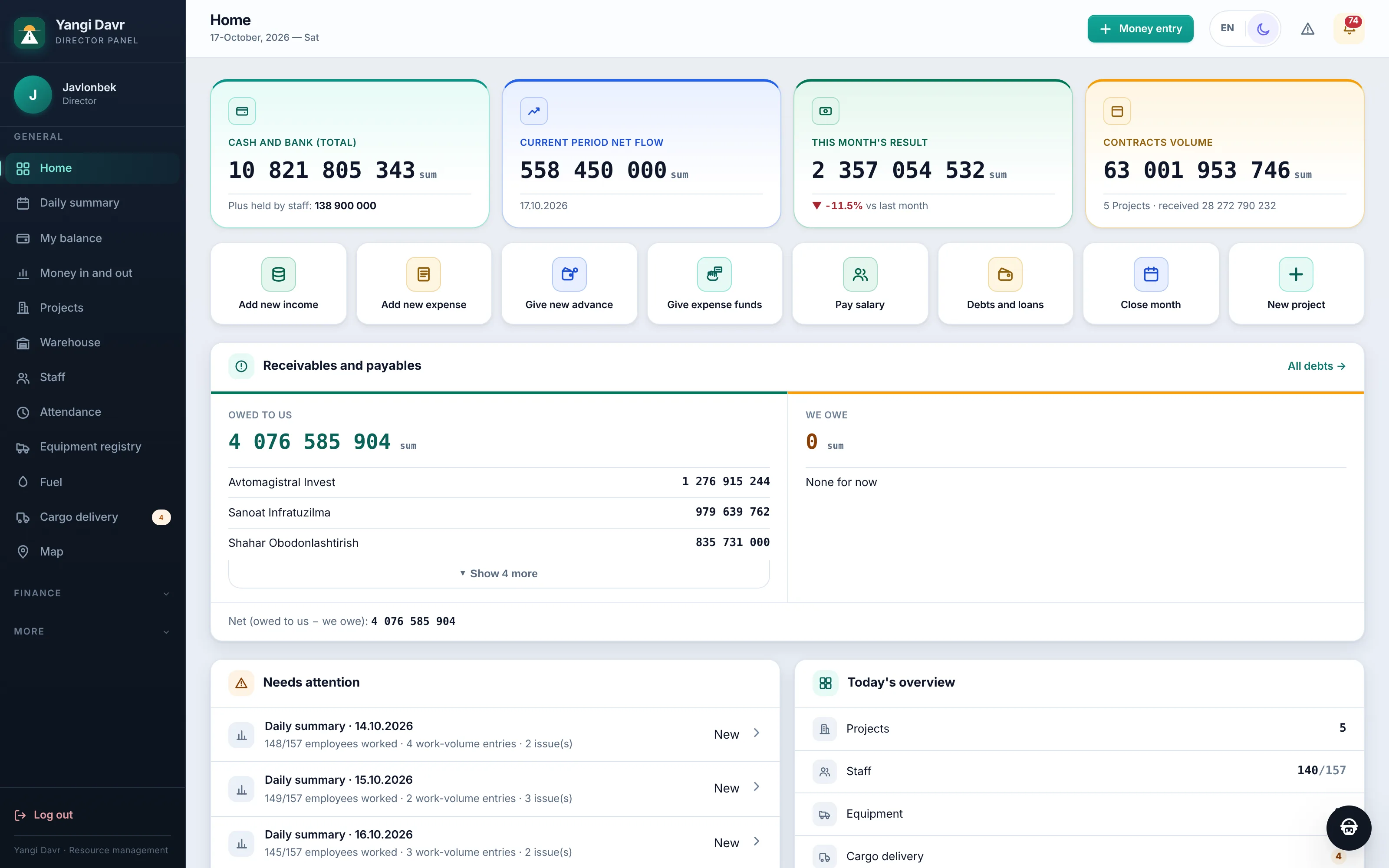
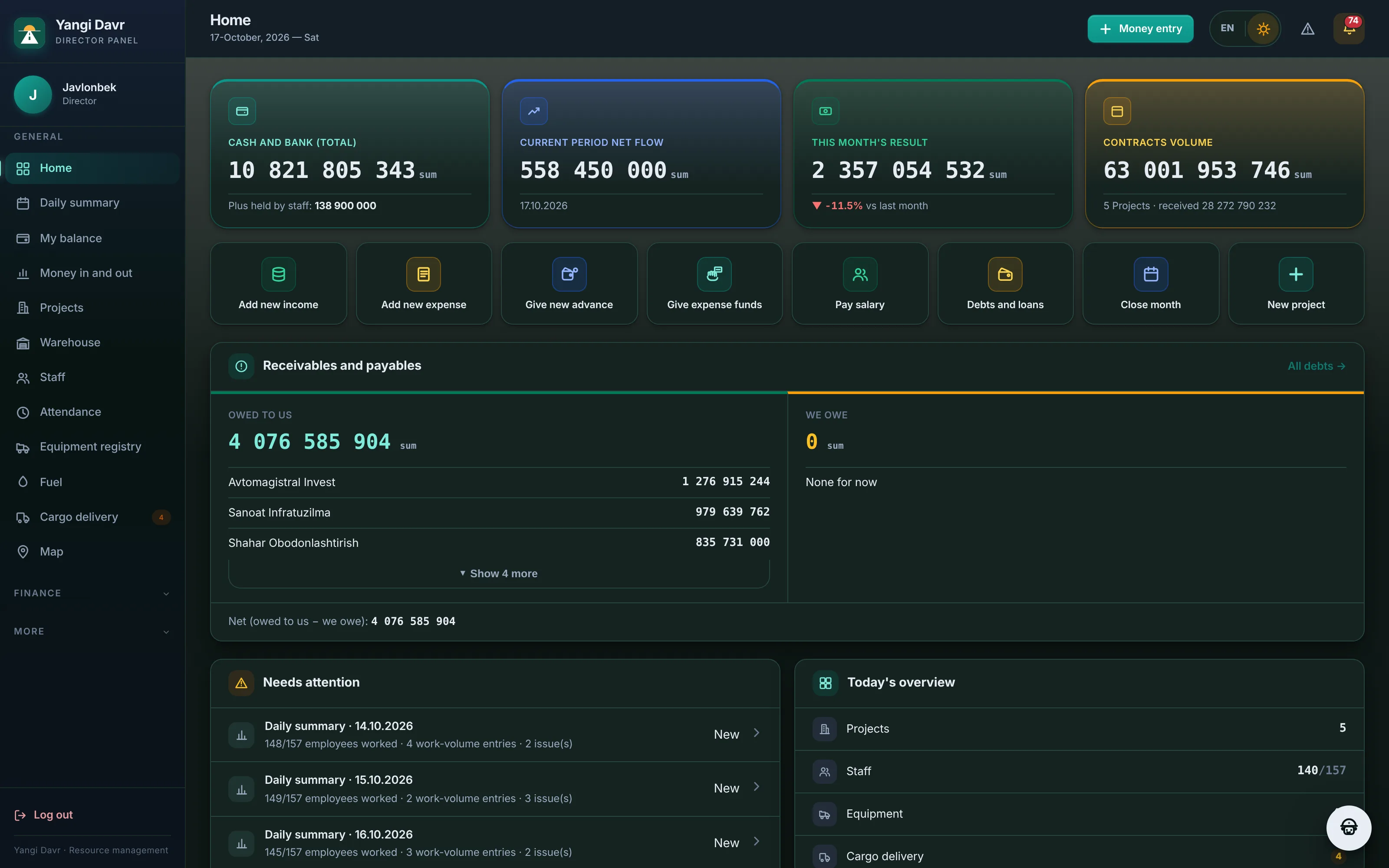
BuildBest brings everything into one place — from a worker arriving on site to every line of the estimate, from every dump-truck trip to every som in the cash desk. Wherever the director is, they can see what is happening in the company.
30-minute online demo · We handle setup and training
Sound familiar?
Each one is a separate notebook, a separate spreadsheet, a separate phone call. BuildBest links them into one chain.
Check-in with GPS and a selfie. The phone won't allow “I'm here” outside the site zone, and leaving the zone closes the working time automatically.
Refuel and drain alerts from UzGPS sensors, comparison with the norm, a mandatory receipt photo. Anything suspicious shows up on the director's screen right away.
The estimate is imported from Excel, the foreman enters completed volume, the surveyor measures independently — three numbers side by side, the gap is visible at once.
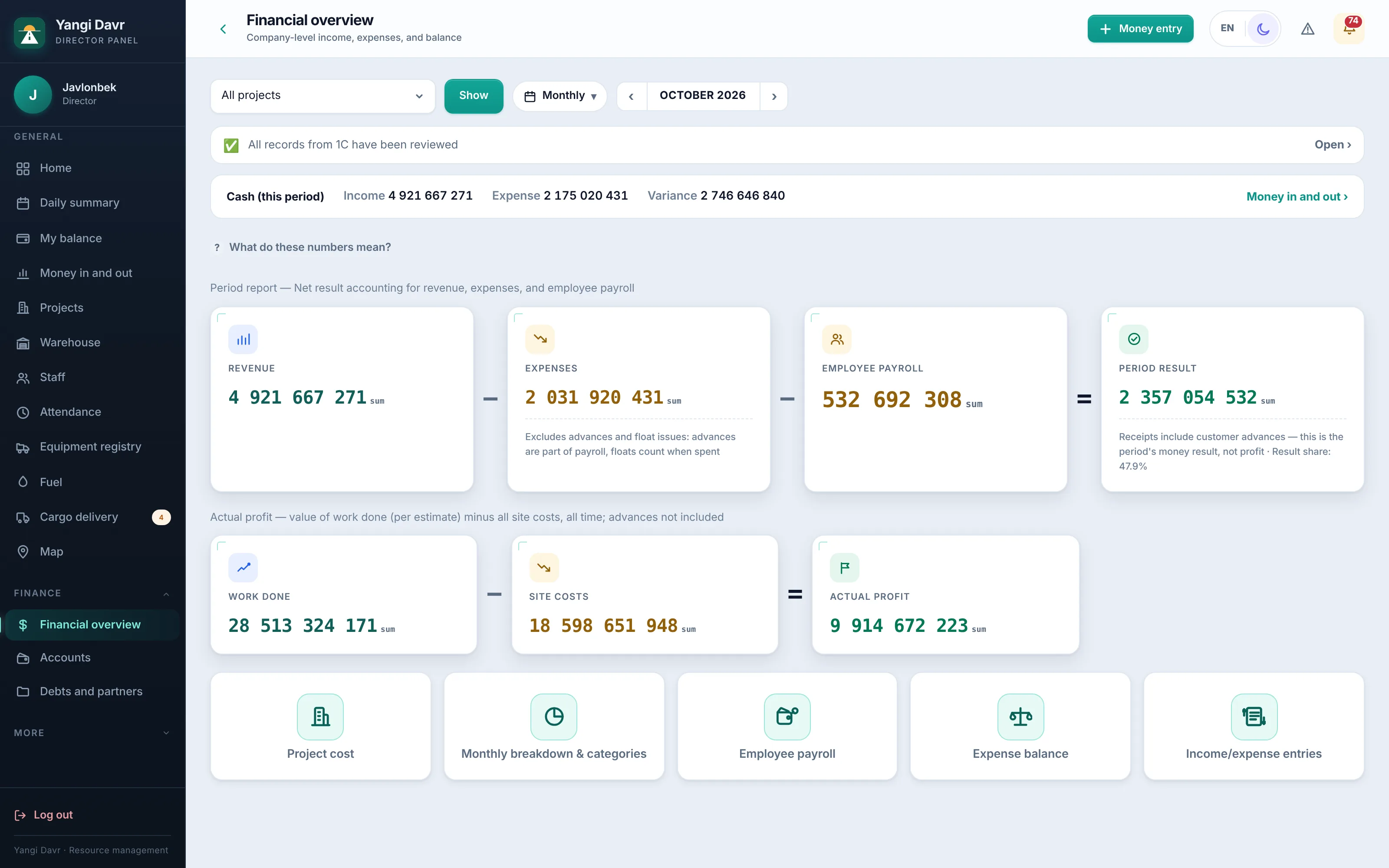
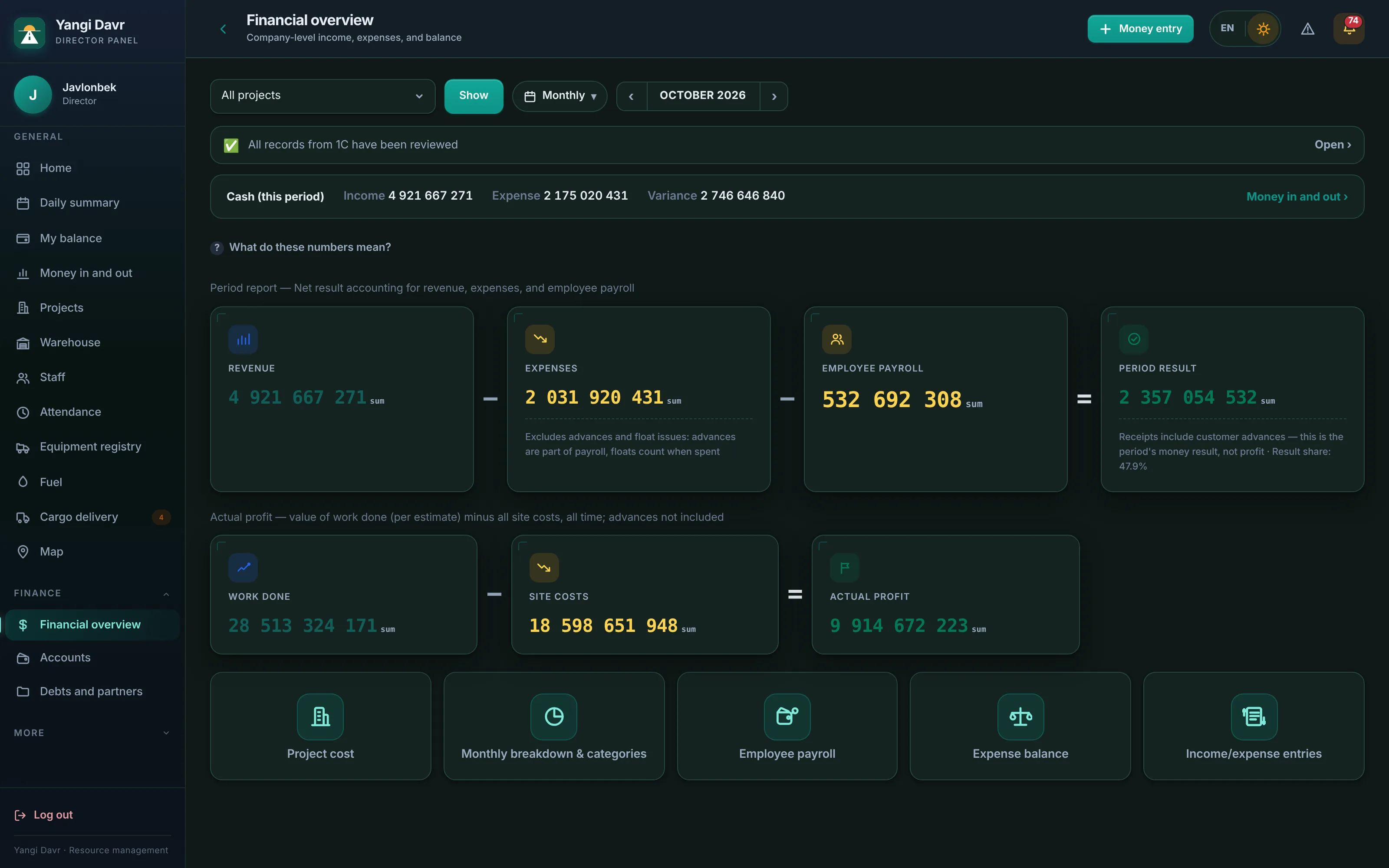
Cash desk, card, bank, staff cash advances and debts — on one screen. Every expense shows who, when, for which site and whether there is a receipt.
Features
The modules are connected: a trip counts its fuel, fuel feeds the site cost, completed work updates receivables.
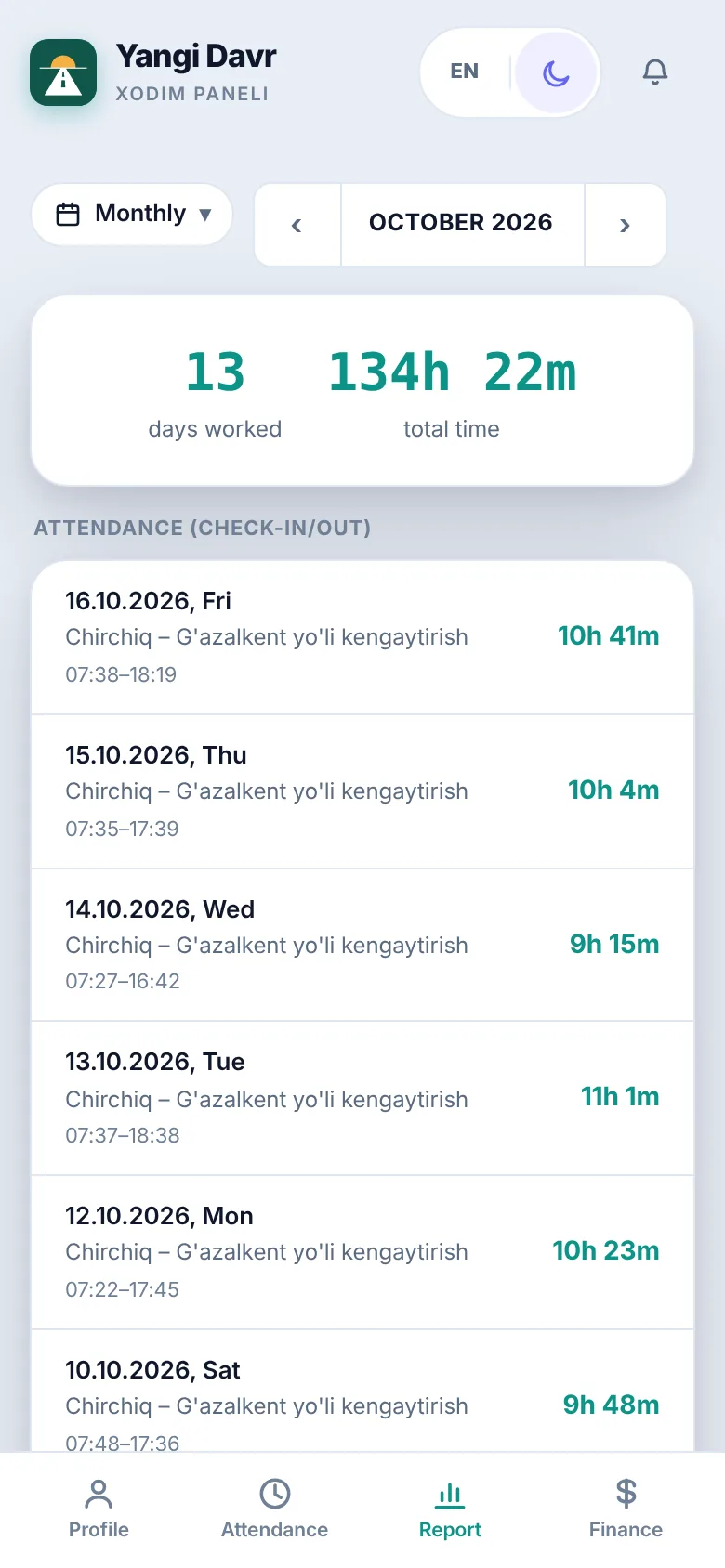
A worker taps “I'm here” on the phone — the system checks location and a selfie. Payroll is calculated at month end.
Income and expenses, cash and bank, staff cash advances, counterparties and debts. Receivables come from completed work.
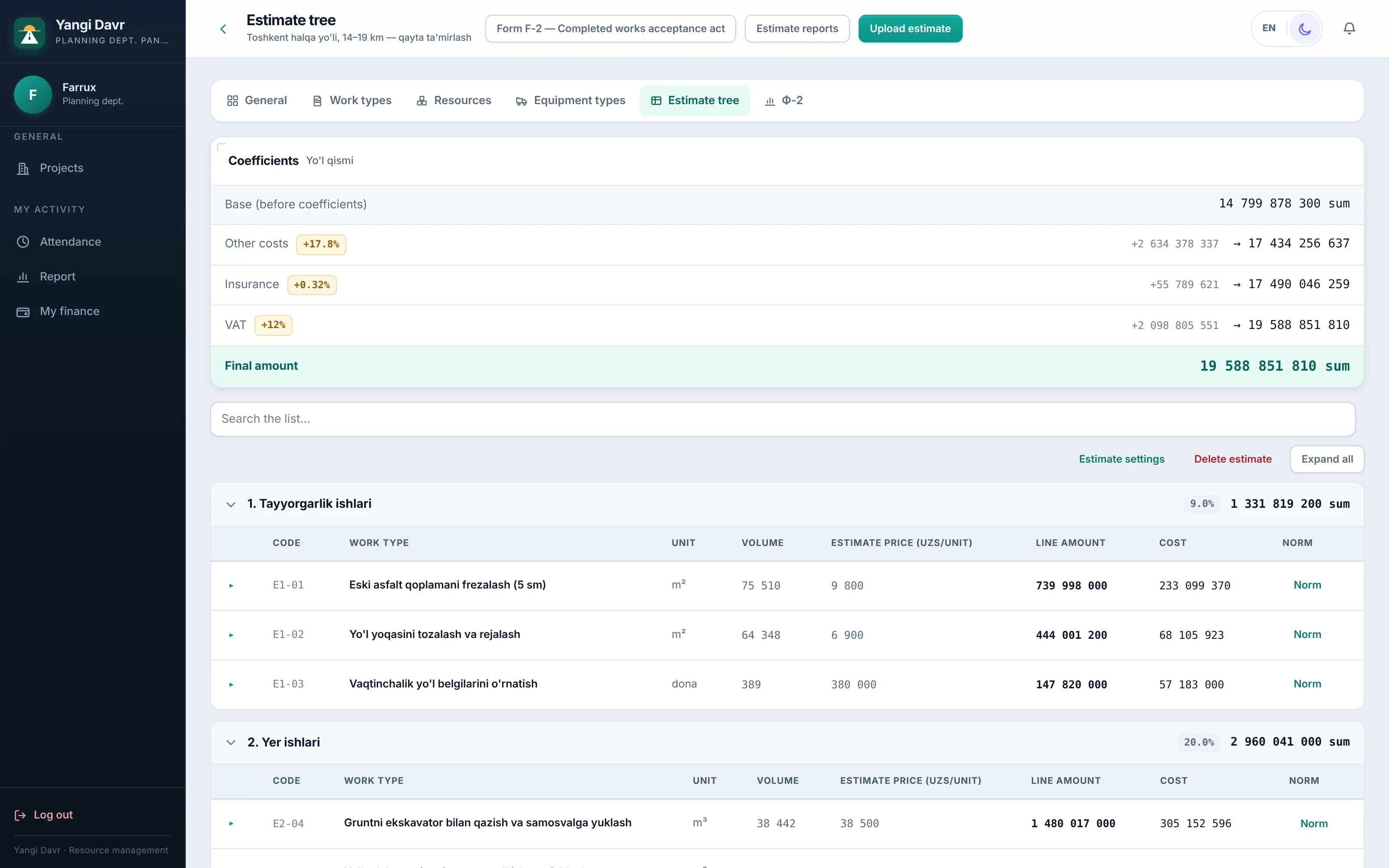
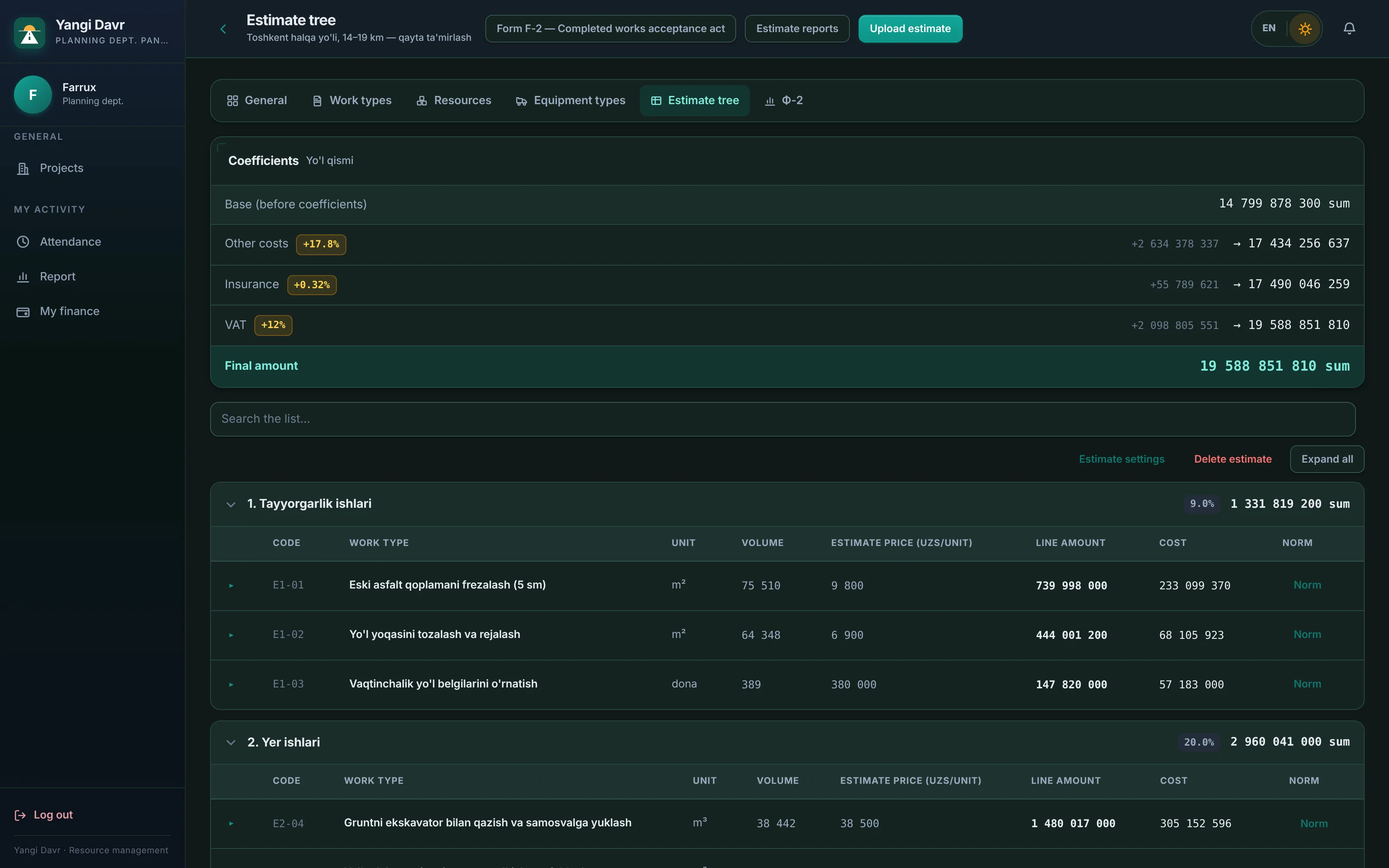
Upload an Excel estimate — norms and resources are built automatically. The foreman enters volume, F-2 builds itself.
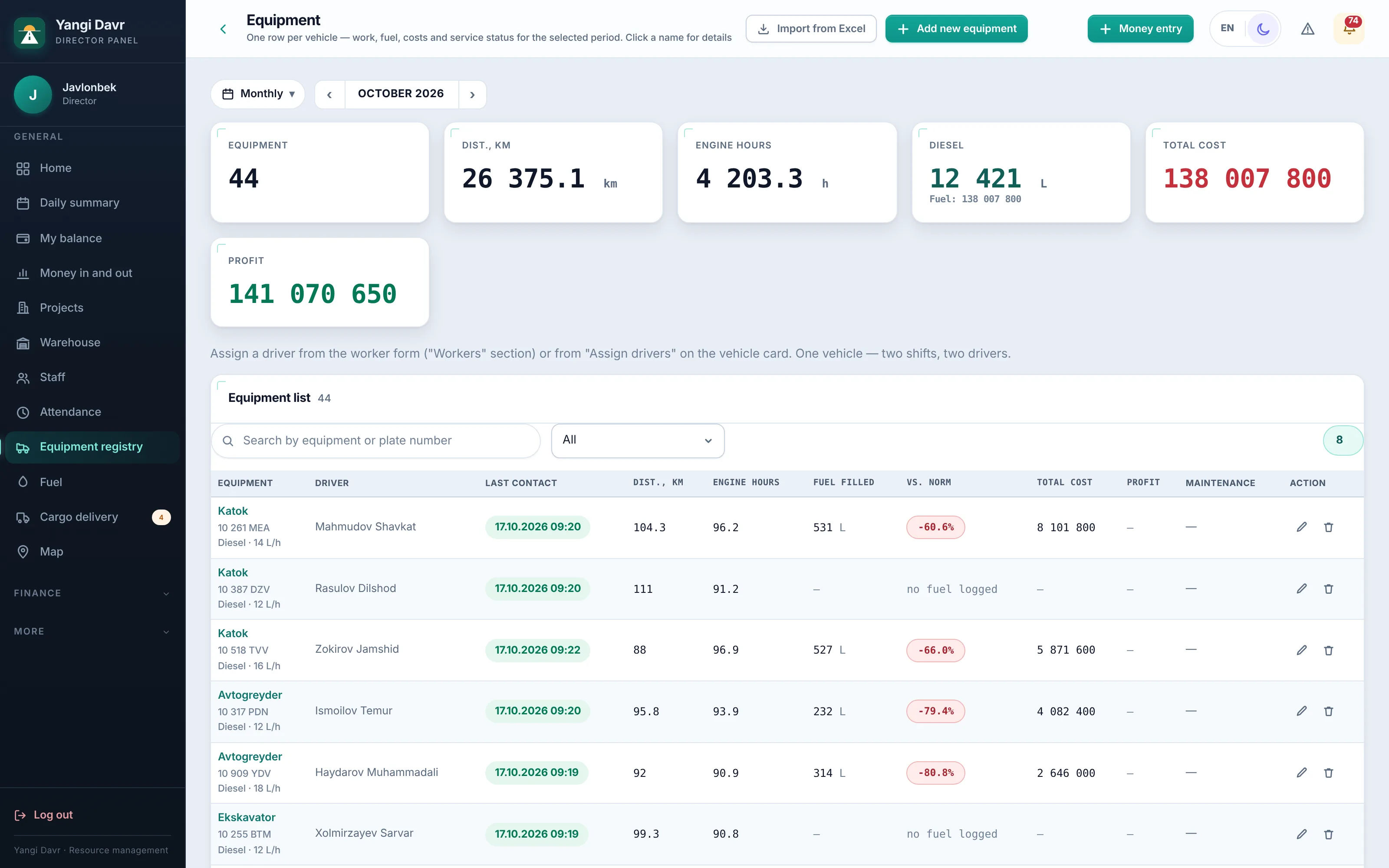
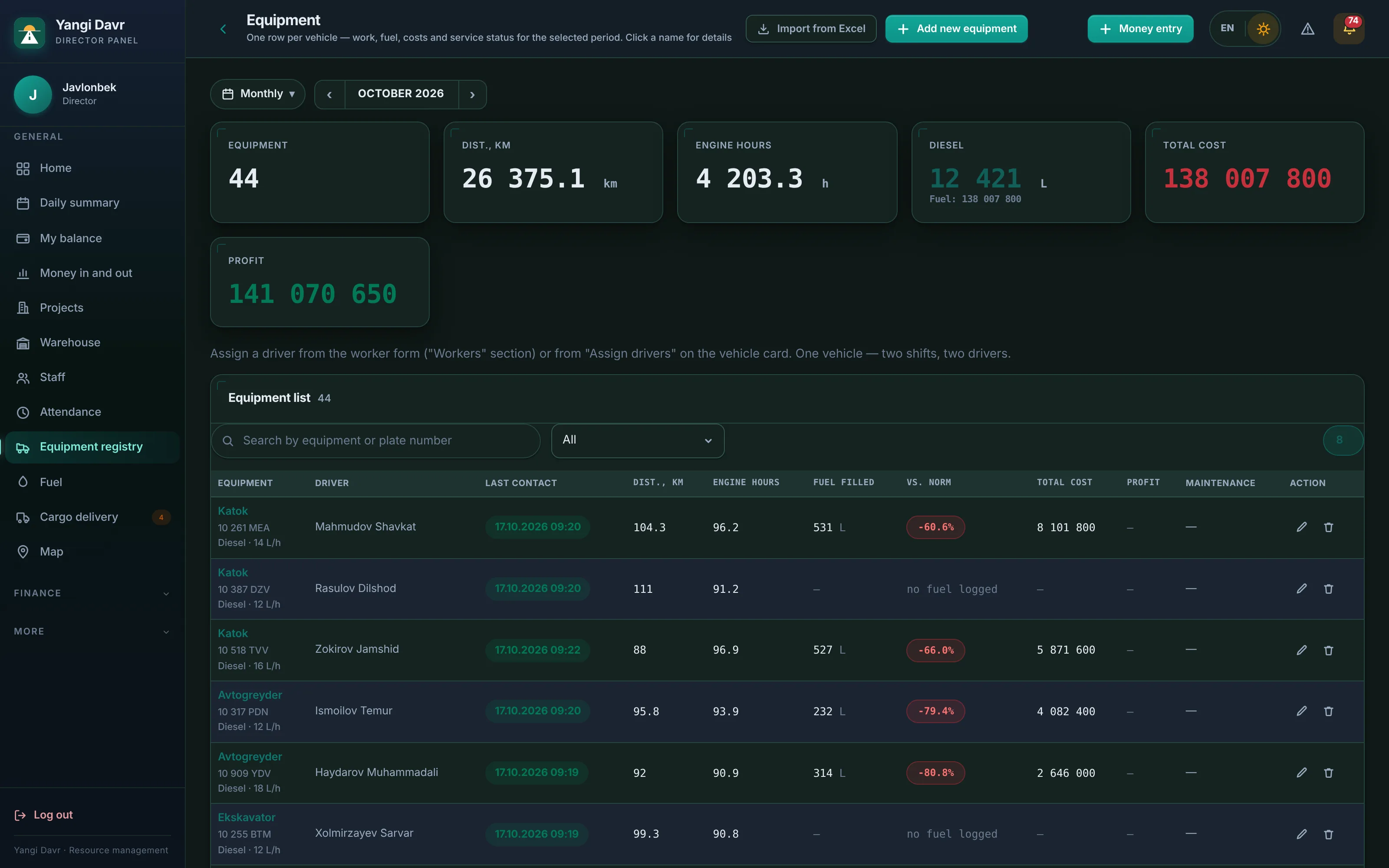
The equipment register is linked to UzGPS: mileage, engine hours, fuel and costs — in one table, with profit.
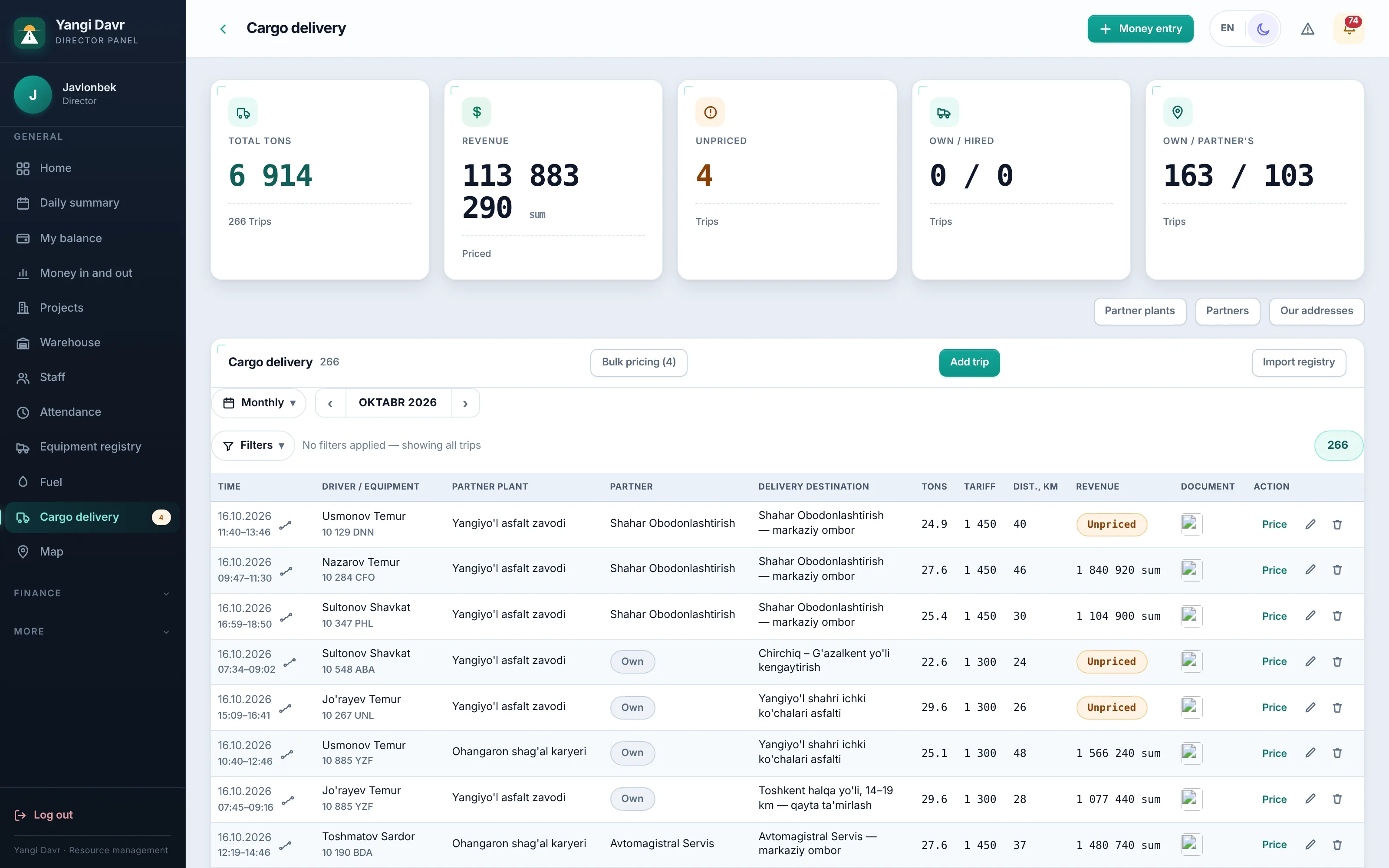
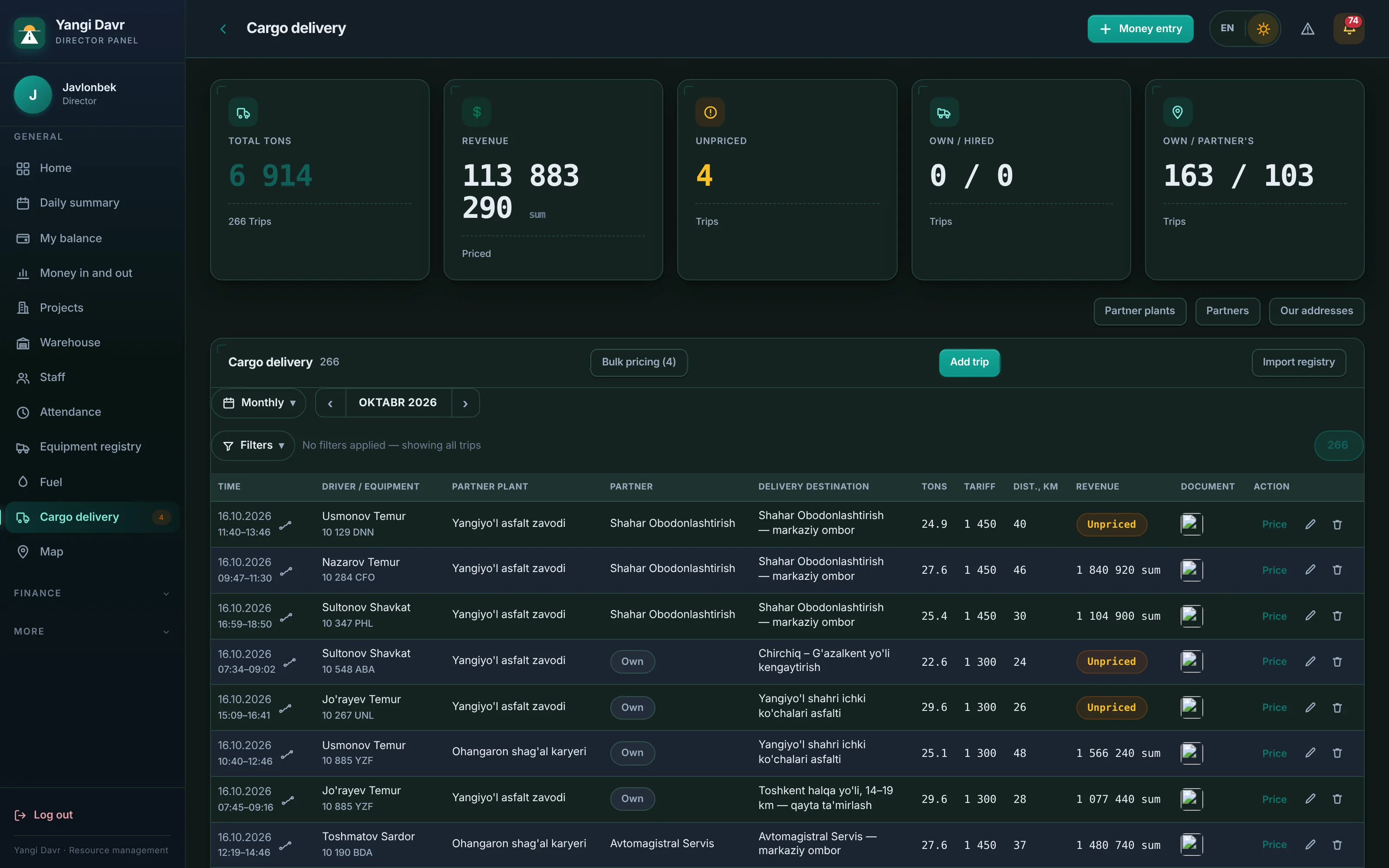
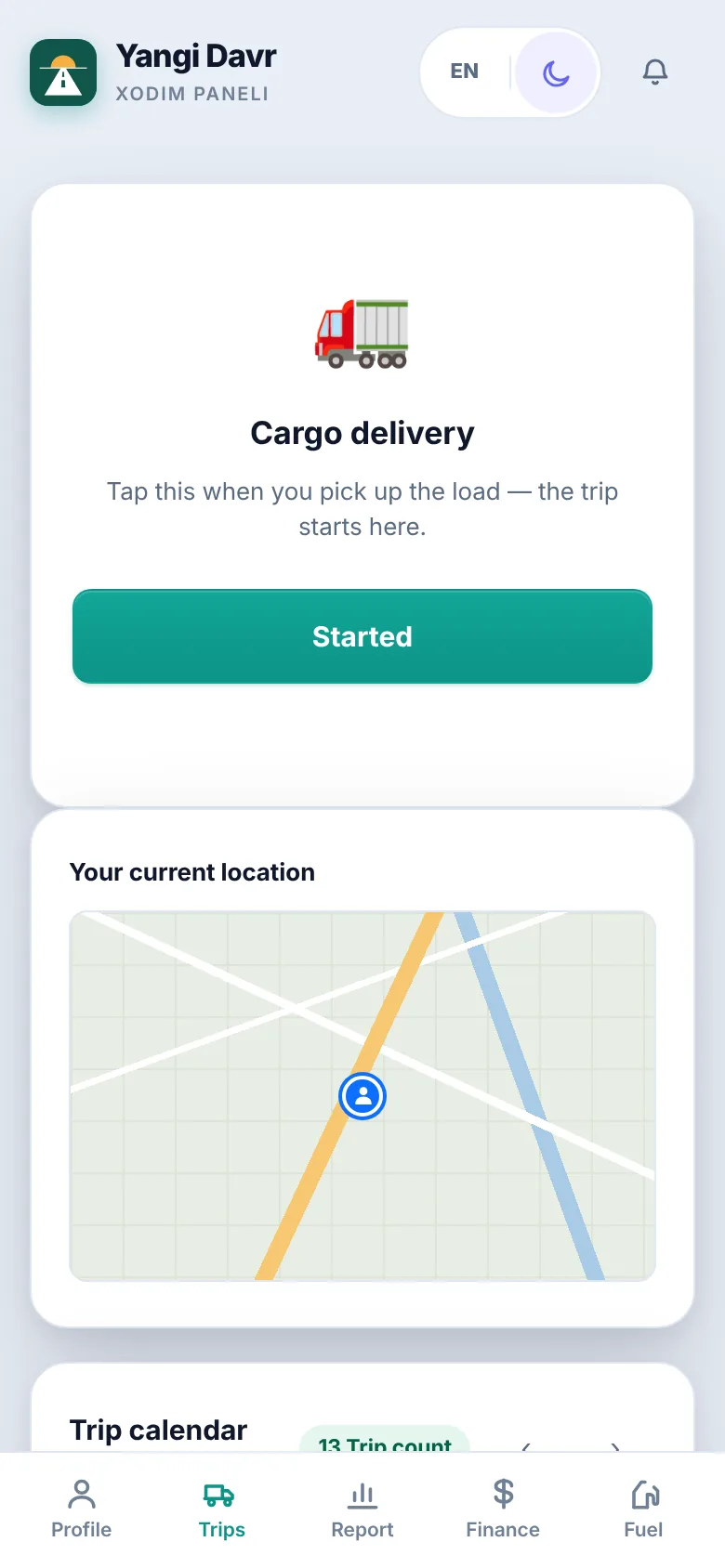
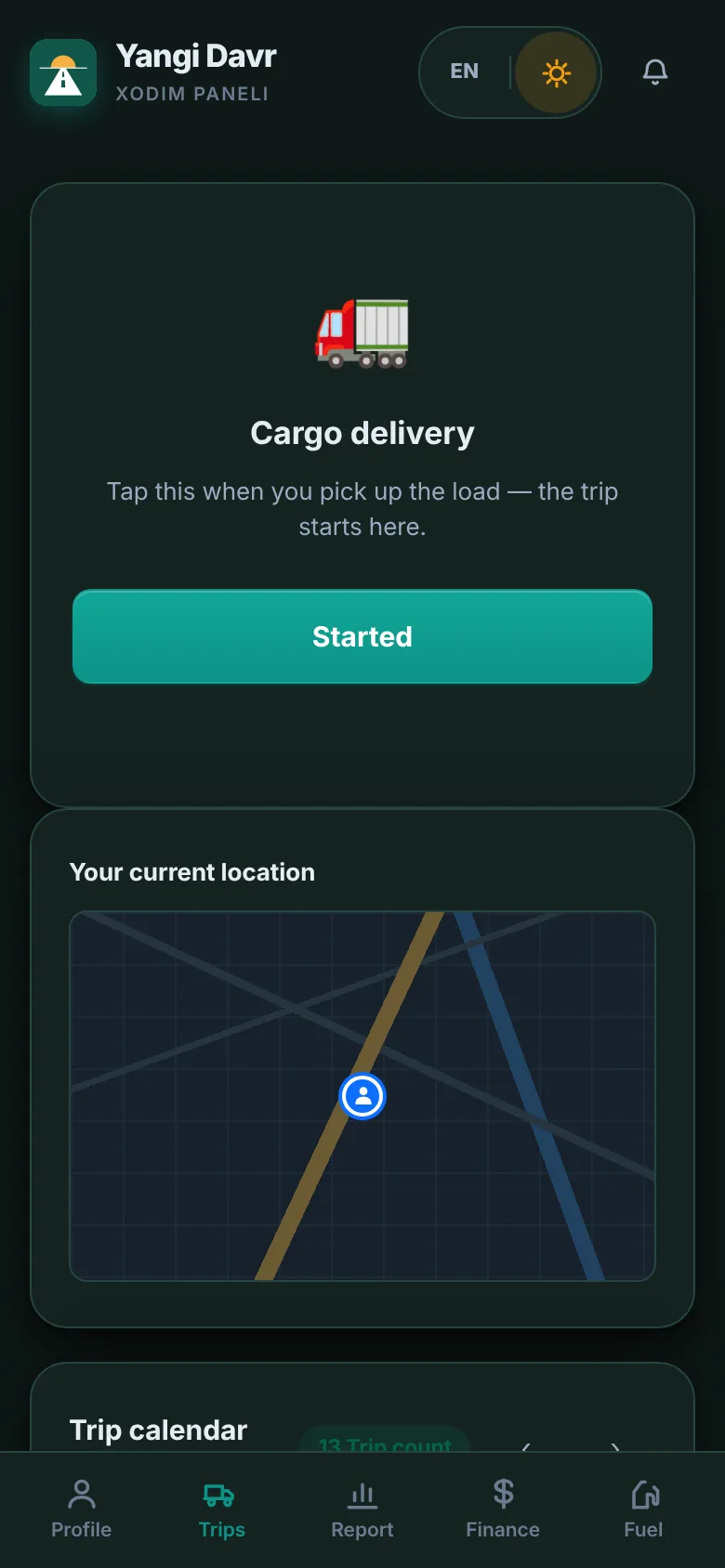
The driver taps “Started” and “Delivered” and uploads the waybill photo. The price is set from the tariff.
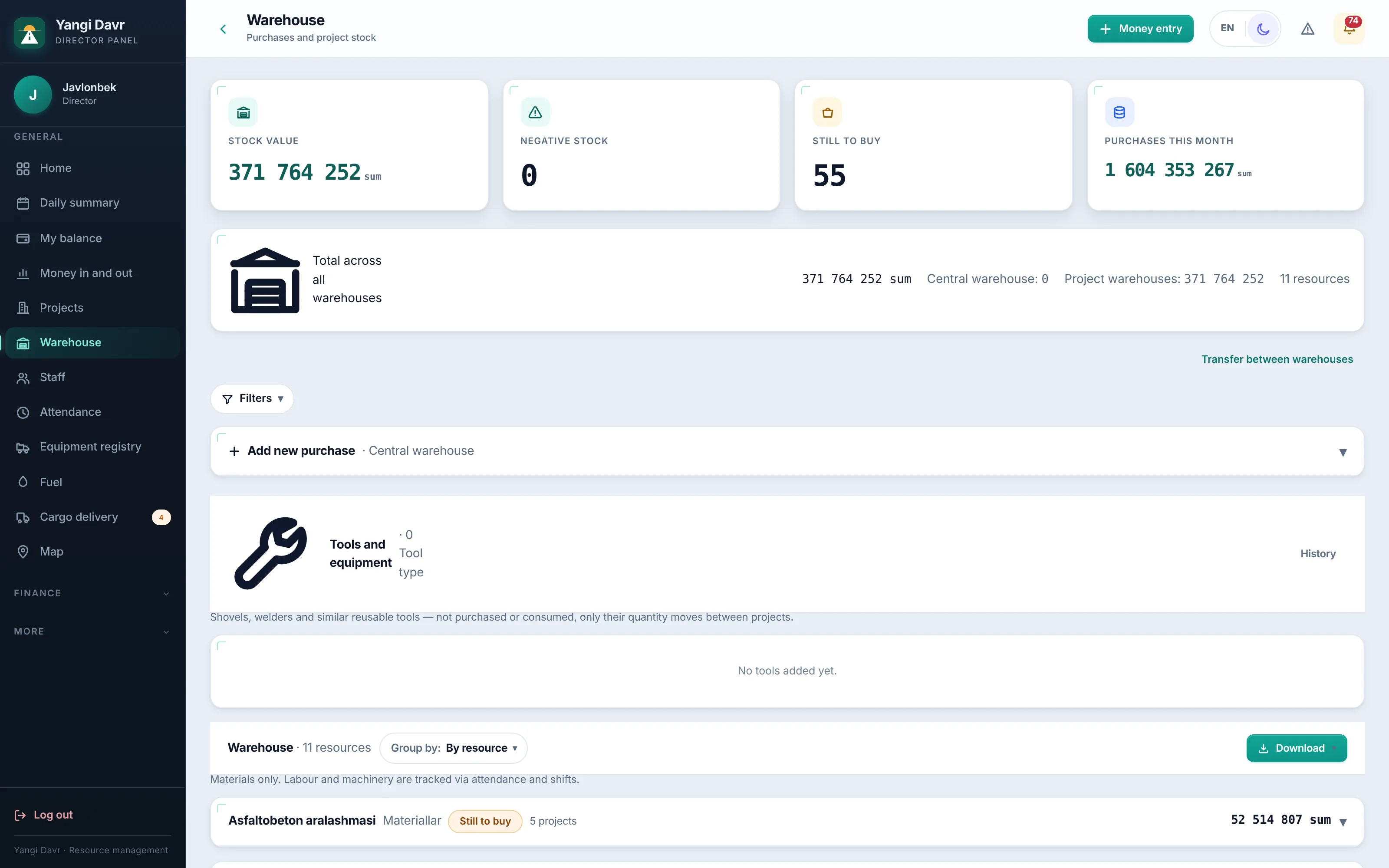
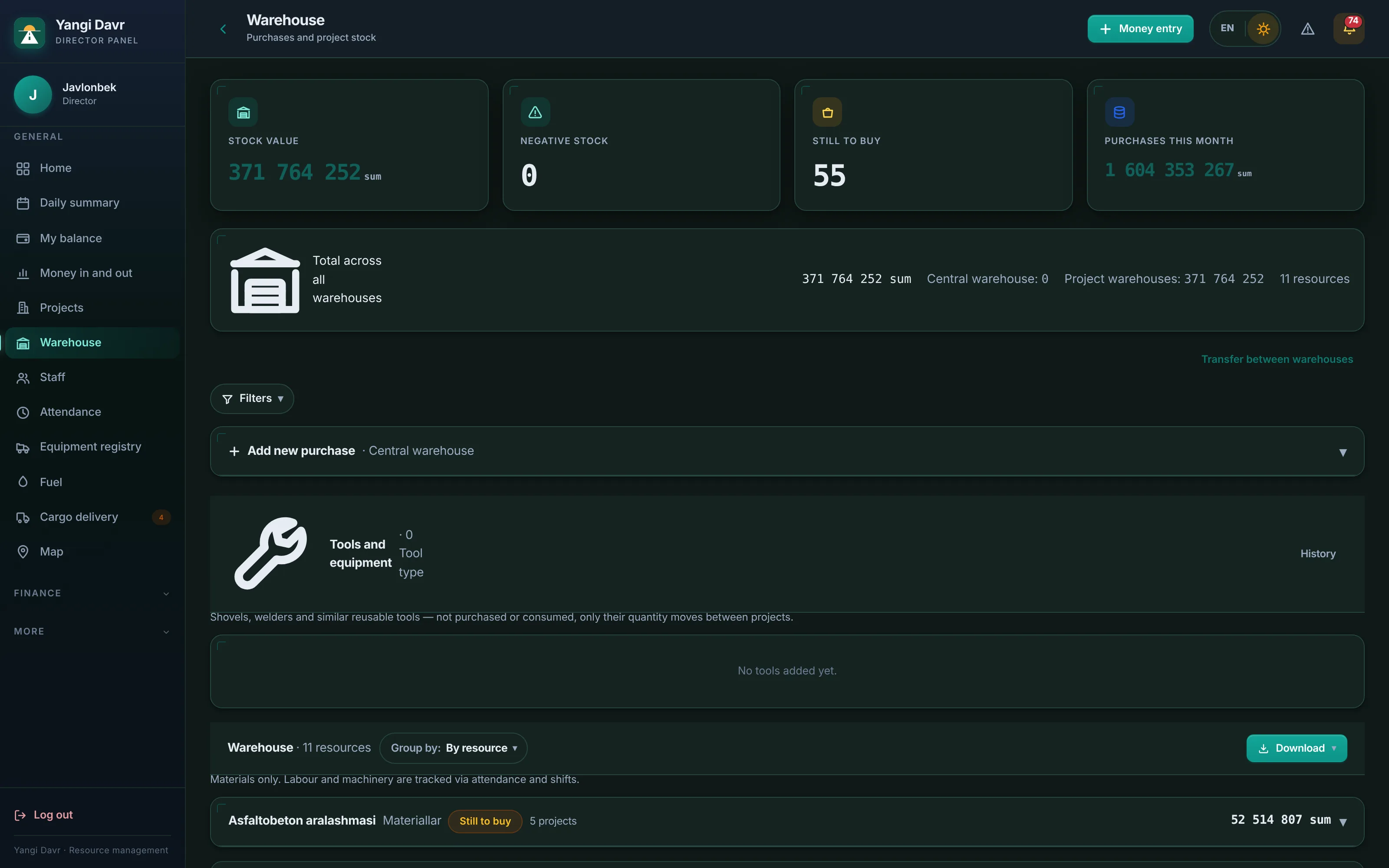
A central warehouse plus one for every site. Purchases, consumption and transfers in one place.
Fleet map
UzGPS sends each machine's location, speed and engine state in real time. See any day's route and filter together with your staff.
Who it's for
Permissions by role: the accountant can't change the estimate, the foreman doesn't see the cash desk, a worker sees only themselves.
The whole company at a glance: daily summary, money, sites, fleet, AI assistant.
Income and expenses, 1C documents, counterparties, debts, trip pricing.
Estimates, norms, resource and work plans, F-2 and F-3 acts.
Work log, completed volume, daily photos, tomorrow's plan, machine shifts.
Independent volume measurement, as-built documents, comparison table.
Warehouse, purchases, transfers between warehouses, tools.
Trips, waybill photos, fuel and receipts — on the phone.
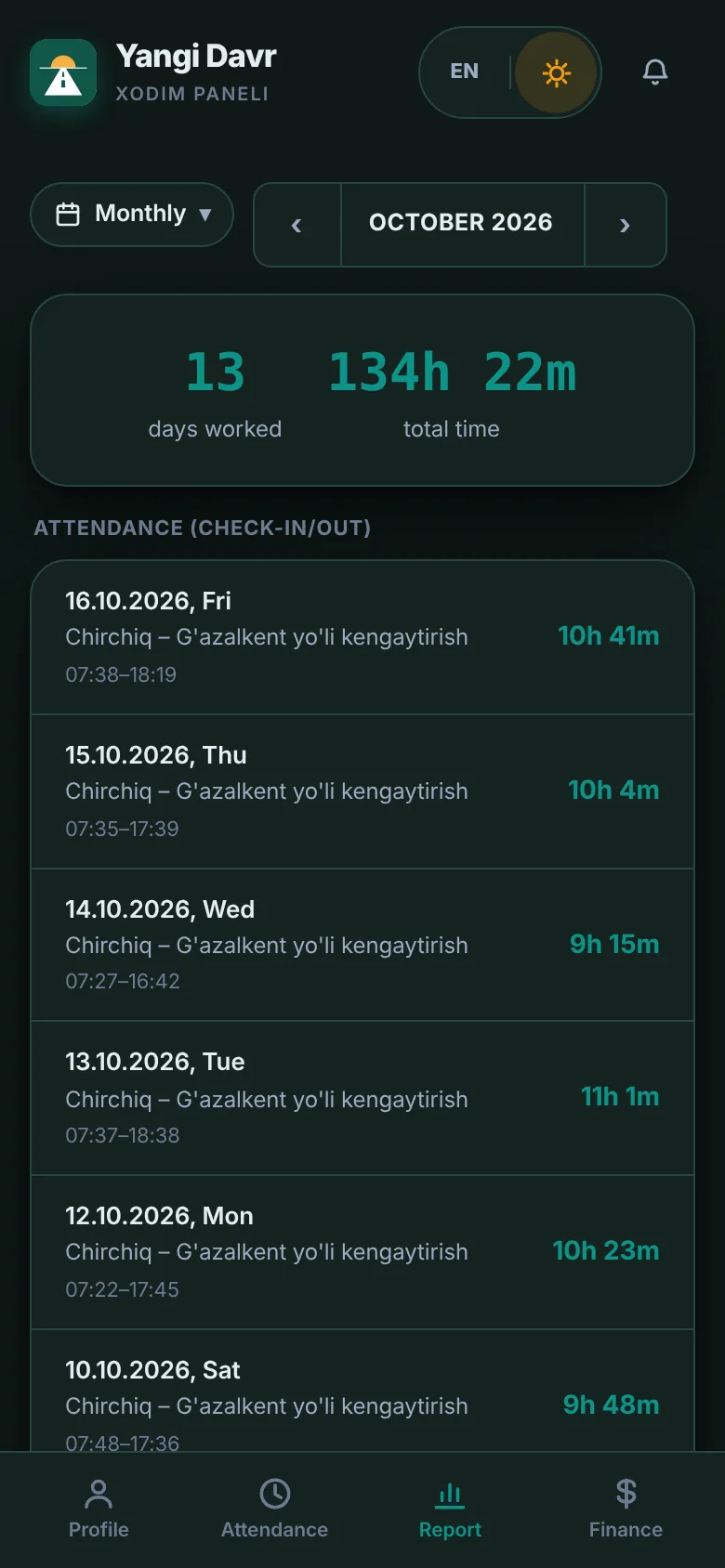
“I'm here / I'm leaving”, days worked, pay and advances.
For workers and drivers
Workers sign in with their phone number and a 4-digit PIN. Big buttons, their own language, works even on a slow connection.
Opens in the browser and is added to the home screen like an app; there is also a separate Android app.
The check-in is queued and sent when the connection is back.
Uzbek (Latin and Cyrillic), Russian and English — everyone chooses.
Workers see their days, advances and pay themselves — fewer questions.
Artificial intelligence
It works in two places, and the rule is the same in both: AI never invents numbers.
AI reads Excel estimates of any layout and works out which column is volume and which is price. The numbers themselves are taken only from Excel cells and pass the “norm × volume × price = total” check. A confirmation screen is mandatory before saving.
The director asks in Uzbek — the system answers from its own data. 22 functions: sites, money, attendance, fleet, trips. Read-only — it never changes anything.
Integrations
No double entry: automatic exchange with GPS, accounting and state monitoring systems.
GPS monitoring
Location, speed, engine, mileage, engine hours, refuels and drains, SOS — in real time.
Accounting
Documents arrive from 1C on their own, duplicates are detected, the accountant confirms in one click.
National monitoring
Site status and the daily report go to the state monitoring platform automatically. No financial data or names are sent.
Universal connection
An open connection for other GPS providers: coordinates, speed, fuel, engine hours.
Export and import
Reports in Excel and PDF; import staff, equipment, estimates and trip registers from Excel.
Security & reliability
Company data is fully isolated; a dedicated server is available.
Password plus a code from a phone app. The director can make it mandatory for managers.
Who changed which field, when, from what to what — all kept.
An encrypted copy on another server; a restore test runs weekly.
Money records of a closed month are locked; reopening requires a reason.
The whole system is checked before every update ships.
Getting started
30 minutes online: we show the system using your own processes as the example.
Staff and equipment from Excel; sites and estimates — together with us.
A short session for each role; a worker needs 5 minutes.
We stay close during the first weeks and answer questions fast.
Pricing
Every company works differently. After the demo we send an exact quote — no hidden fees.
Price on request
FAQ
No. BuildBest runs in the browser and can be added to the phone like an app. If you need background GPS, there is a separate Android app.
“I'm here” and “I'm leaving” are queued on the phone and sent automatically once the connection is back.
Yes. Staff, equipment, estimates and trip registers are imported from Excel; opening balances for cash and debts are entered.
1C:Accounting 8 sends documents to BuildBest on its own. Duplicates are detected; the accountant picks a category and confirms.
There is a universal connection for other providers. Tell us which one — we'll agree on the connection.
On a protected server; an encrypted copy goes to another server every day. A dedicated server for your company is also available.
Uzbek (Latin and Cyrillic), Russian and English. Every employee picks their own language.
It depends on the size of the company. We agree on an exact plan and timeline together at the demo.
Leave a request — we'll get in touch within one business day to schedule the demo.